 About Client
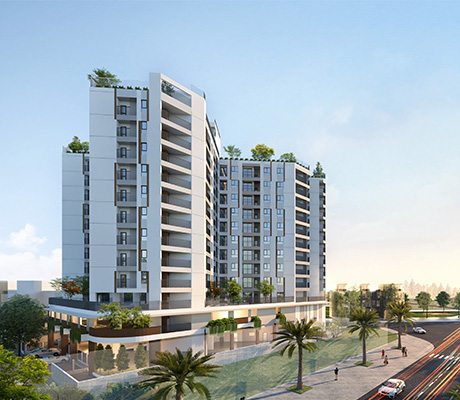
The VCN CT2 Phuoc Long project is a high-end apartment complex located in the VCN Phuoc Long Urban Area, Nha Trang City, and developed by VCN Investment Joint Stock Company. With its strategic location, modern design, and comprehensive amenities, VCN CT2 Phuoc Long offers a peaceful and convenient living environment, along with sustainable investment value — meeting both residential and business needs in Nha Trang.
Requirements & Detailed Solution
The management board of VCN CT2 Phuoc Long Project seeks to implement a comprehensive security management solution, integrating an intelligent intercom system and elevator floor access control to effectively manage entry to residential apartments within the building. This solution not only enhances the security and safety of residents but also provides a modern, convenient, and professional living experience in a premium apartment complex.
· A modern and smart intercom system for enhanced security control
The project management team aims to implement an integrated access control and elevator zoning system combined with an Intercom communication solution for the high-end apartment complex, ensuring a secure, professional, and modern living environment. This system must comprehensively meet requirements for facial recognition, access management, and resident administration, while also enabling emergency notifications to be sent to individual apartments or the entire building quickly and accurately, providing a safe, convenient, and intelligent living experience for all residents.
Solution
The Video Intercom System is designed to deliver a modern, convenient, and secure living experience for residents. This solution allows residents to grant access to the elevator lobby and apartment floors quickly and intuitively—without the need for security personnel or reception staff.
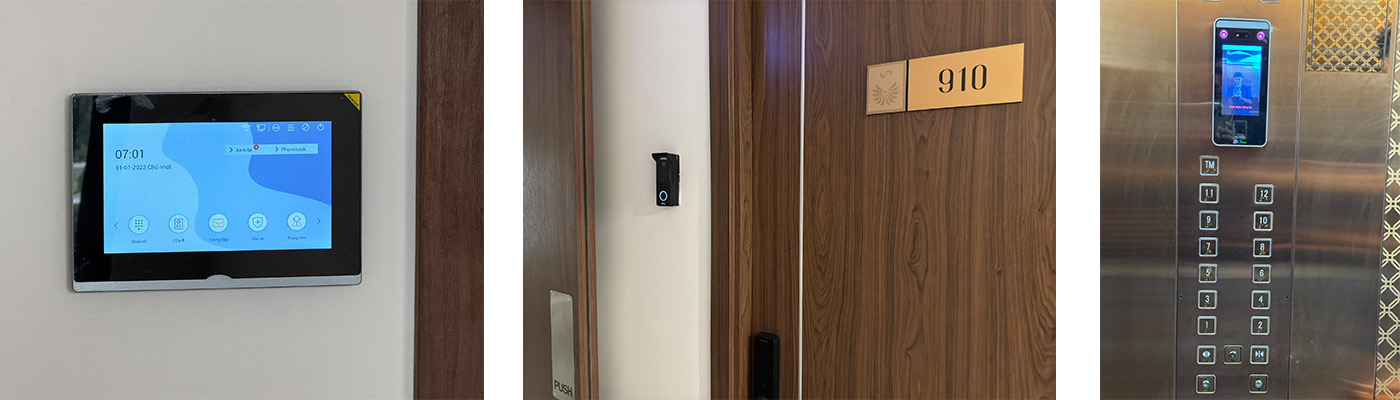
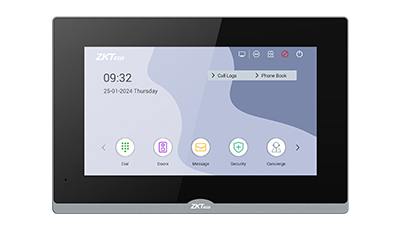
When a guest arrives, they can contact the resident directly through the VEX-B23A call station installed on floors 1, 2, and 3 — at the elevator lobby entrances. The call is displayed on the in-apartment screen VT07- B26L-W, allowing residents to answer the video call and approve or deny access with a simple touch on the screen.
Once access is approved, the VT07-B26L-W screen automatically triggers the LM-2805 electromagnetic lock, opening the elevator lobby door for the guest while simultaneously sending a command to the VEVC-A5 elevator controller to grant access to the authorized floor.
At the apartment entrance, guests can press the VE01-B24L Video Doorbell, which integrates a camera and microphone to initiate a video call to the indoor screen. Residents can then view, verify, and unlock the door directly via the touch interface.
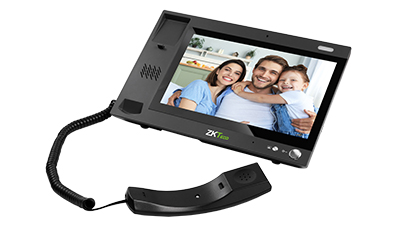
For residents, the system is also connected to the VG10-B21A central management device located at the security gate, enabling calls to individual apartments for guest verification, management announcements, or remote door unlocking via the Lobby Phone. Conversely, residents can contact the building management center directly when assistance is needed or receive messages, event notifications, and schedules displayed conveniently on their in-apartment screens.
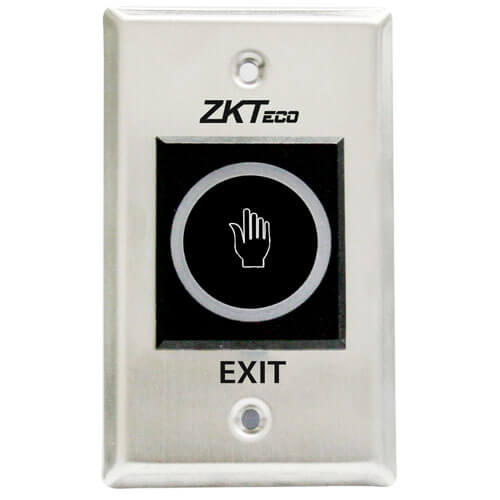
To enhance safety, the system is equipped with ZKABK900A-G exit buttons for outgoing access and TLEB102 emergency buttons for critical situations such as fires. Furthermore, the resident registration process is supported by the UV100 face and card enrollment device and the CR20M card enrollment reader, ensuring accurate identification and access authorization from the very beginning.
·Elevator stratification control enhances safety & privacy
The building management board needs to integrate a facial recognition elevator control system that provides a feature to limit the number of floors allowed to access to ensure security for each apartment.
Solution
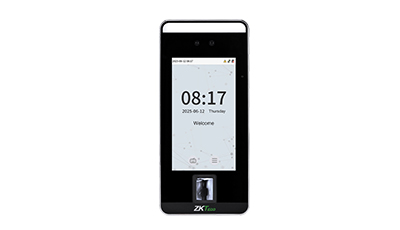
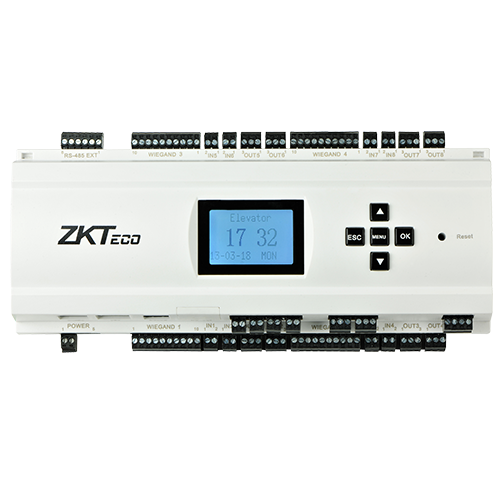
To manage and zone elevator access effectively, ZKTeco has deployed the EC10 Elevator Controller, which enables floor call signal transmission, access authorization to designated floors, and comprehensive monitoring of elevator activities. The system is integrated with a facial recognition access control device inside the elevator cabin, allowing users to travel to authorized floors using the SpeedFace-V5L device, which operates based on pre-registered facial data.
At the basement or lobby areas, the VEX-B23A lobby station also functions as a facial recognition terminal, allowing residents to unlock the elevator lobby door and automatically call the elevator to their authorized floor — delivering a smart, secure, and convenient mobility experience.
ZKBio CVSecurity – The All-in-One Comprehensive Security Management Platform
The ZKBio CVSecurity centralized management software serves as a comprehensive control platform for building systems, enabling the management of intercoms, elevator control, device configuration (network parameters), and direct communication between connected devices within the system. It allows user access rights configuration and remote access control, while providing flexible integration between devices such as call stations, in-apartment monitors, and elevator systems. The software also supports real-time monitoring of device status (online/offline), ensures secure and synchronized user data management, and generates fast, accurate reports — optimizing building operation and management efficiency.
Configuration
| System | Type | Model |
| Comprehensive Security | Indoor Monitor | VT07-B26L-W |
| Outdoor Station | VE01-B24L |
| Outdoor Station | VEX-B23A |
| Indoor Monitor | VG10-B21A |
| Elevator Floor controller | VEVC-A5 |
| Face and Card Sampling Device | UV100 |
| Card Sampling Device | CR20M |
| Electromagnetic Lock | LM-2805 |
| Exit Button | ZKABK900A-G |
| Emergency Button | TLEB102 |
| Elevator Controller | EC10 & EX16 |
| Facial Recognition Access Control Device | SpeedFace-V5L |
| Software | ZKBio CVSecurity |




















 Transfer to a live agent
