-
Model
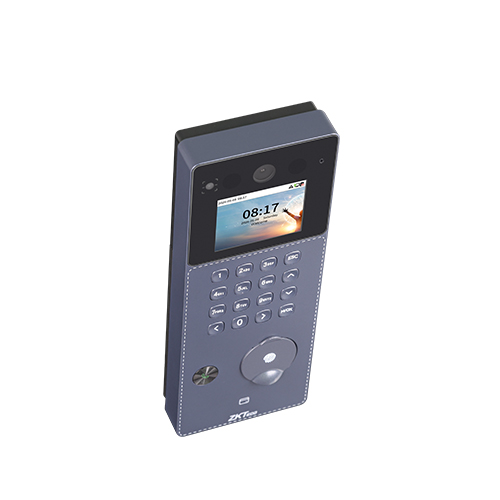
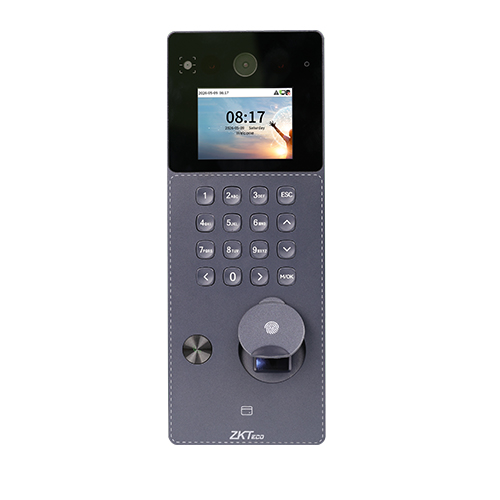
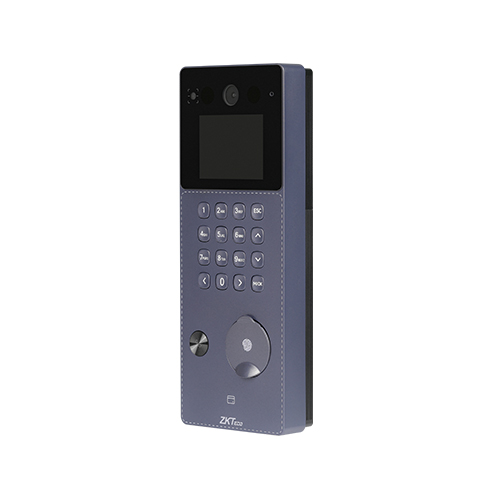
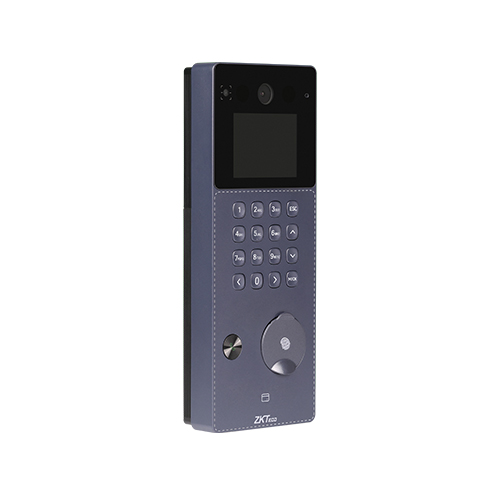
F34
-
Display
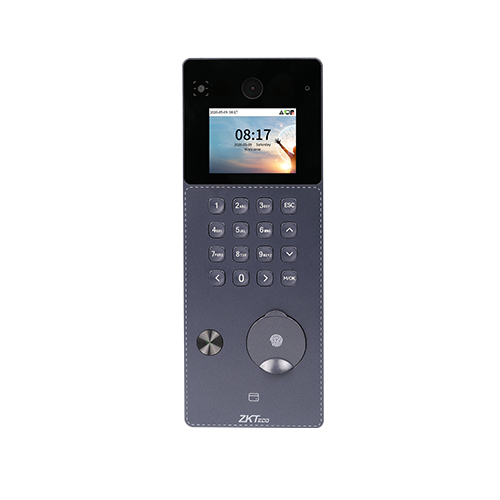
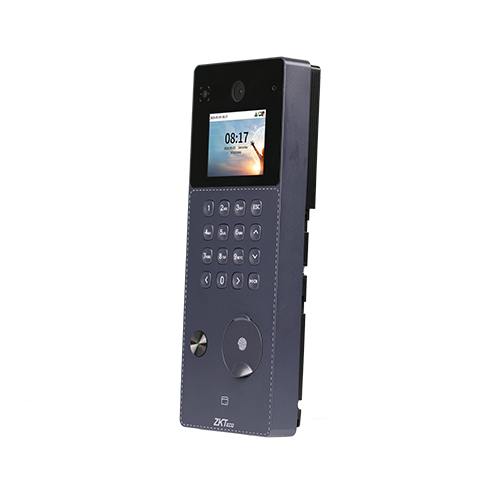
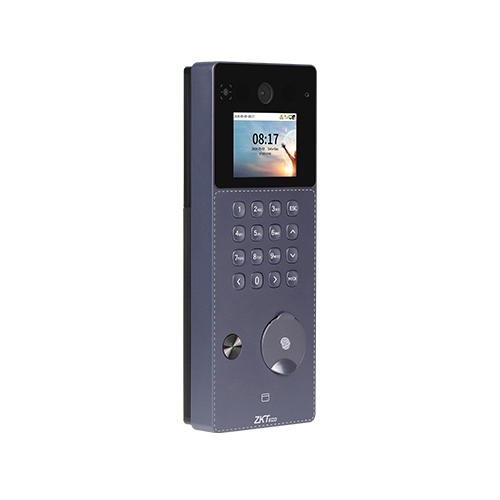
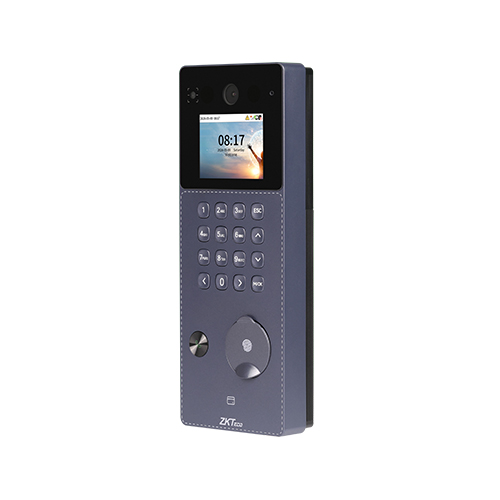
2.4"@ TFT Color LCD Screen (240 x 320)
-
Camera
Video Intercom Camera @ 2MP, Field of View: Diagonal: 145°, Horizontal: 118°, Vertical: 62°
QR Camera (Optional) @ 0.3MP, Field of View: Diagonal: 88°, Horizontal: 80°, Vertical: 60°
-
Operation System
Linux
-
Hardware
CPU: Dual Core@1.0GHz
RAM: 512MB; ROM: 8GB
Speaker: 8ohms±20% @1.0W
Microphone: *1 (Sensitivity: -45 dB)
Physical Keypad: 17 Keys
Fingerprint Sensor: ZK Optical Sensor
-
Authentication Method
Fingerprint / Card / Password (Physical Keypad) / QR Code (Optional)
-
Fingerprint Template Capacity
5,000 (1:N)
-
Card Capacity
5,000 (1:N)
-
User Capacity
5,000 (1:N)
-
Transaction Capacity
200,000
-
Max. User Password Length
6 - 8 digits
-
Biometric Authentication Speed
Less than 0.5 sec (Fingerprint)
-
False Acceptance Rate (FAR) %
FAR≤ 0.0001% ( Fingerprint ; ZKFingerprint V10.0; ZKFingerprint V13.0)
-
False Rejection Rate (FRR) %
FRR≤ 0.01% ( Fingerprint ; ZKFingerprint V10.0; ZKFingerprint V13.0)
-
Biometric Algorithm
ZKFingerprint V13.0 (Standard) / V10.0 (Optional)
-
Card Type
ID Card@125 kHz (Standard)
IC Card@13.56 MHz (Optional)
Optional Multi-Tech Module:
Module1: ID & IC & DESFire EV1/EV2; (125 kHz & 13.56 MHz Dual Frequency)
-
QR Code (optional)
Dynamic QR codes on the ZKBio Zexus mobile application
-
Communication
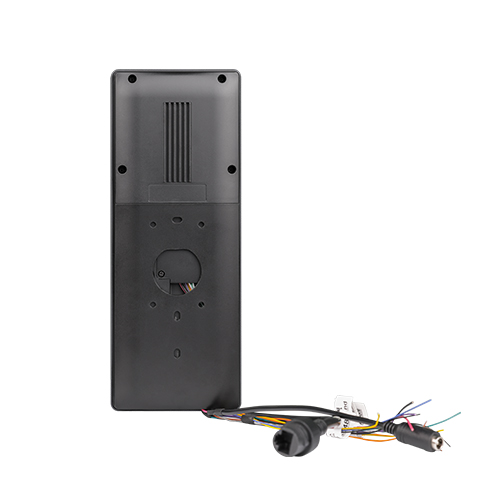
TCP/IP*1
Wi-Fi (IEEE802.11b/g/n/ax) @ 2.4 GHz (Optional)
Wiegand (Input or Output)*1
RS485: ZKTeco RS485*1
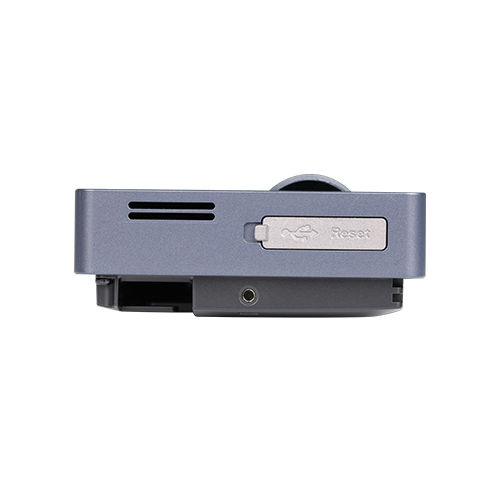
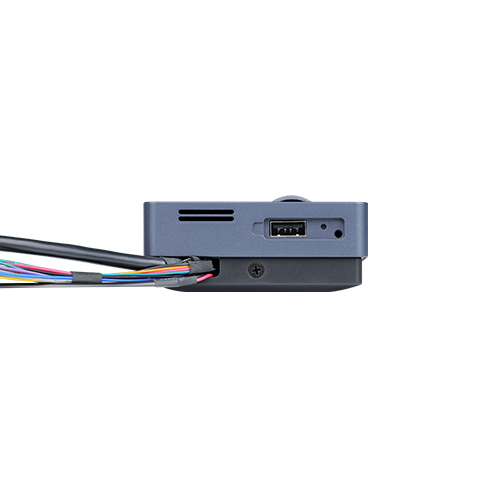
USB: Type A (USB Drive Only)*1
Aux Inputs *1, Electric Lock*1, Door Sensor*1, Exit Button*1, Alarm*1, 12V Output*1
-
Mobile Communication
TDD-LTE: B34 / B38 / B39 / B40 / B41
FDD-LTE: B1 / B2 / B3 / B4 / B5 / B7 / B8 / B12 / B13 / B14 / B17 / B18 / B19 / B20 / B25 /
B26 /B28 /B66 /B71
(Optional and Coming Soon)
-
Standard Functions
Webserver, ADMS, DST, Up to 14-digit User ID, Access Levels, Groups, Holidays, Anti-Passback, Record Query, Schedule Bell, Tamper Switch Alarm, Automatic Status Switch (Effective only under T&A rules), Multiple Verification Methods, SIP Client (Version 2.0), ONVIF (Compatible with Profile S, Profile T, Profile G, Profile C, Profile Q & Profile A), AC PUSH and TA PUSH Protocol Switch, HTTPS / SSH Backend Access, T9 Keyboard (Input), SRB
-
Optional Functions
Wi-Fi (AP Mode), PoE, Wireless Doorbell, QR Code
-
Access Control Interface
RS485 (RS485 Card Reader / Biometric Reader)
-
Power Supply
DC 12V 3A
PoE: IEEE 802.3at (Optional)
-
Operating Temperature
-5°C to 45°C
-
Operating Humidity
10% to 90% RH (Non-condensing)
-
Dimensions
216 mm*82 mm*32.5 mm (L*W*H)
-
Gross Weight
0.72 Kg
-
Net Weight
0.51Kg
-
Supported Software
On-Premise Software: ZKBio CVAccess (AC PUSH) / ZKBio Time (TA PUSH)
Cloud-based Software: ZKBio Zlink by default (Supports Web Portal & Mobile App)
-
Installation
Wall-mount (Compatible with Asian Gang Box / Single Gang Box),
compatible with Rots-3 Stand / Rots-02 Bracket
-
Ingress Protection Rating
IP65 (waterproof and dustproof )
-
Certifications
ISO14001, ISO9001, CE, FCC, Equivalent to RoHS
-
Order ID
AC01-F34H-21








 Enquire Now
 Wish List
 Compare
 Copy Link to Share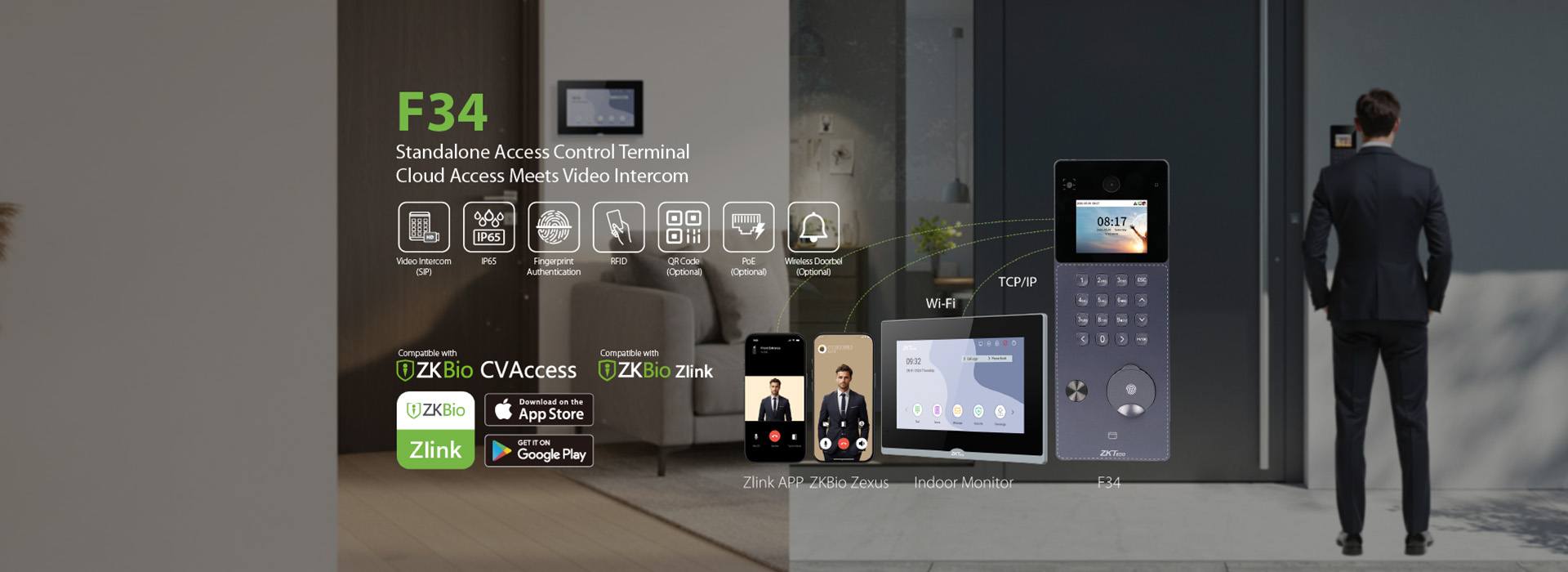

 You have added a new product to the inquiry form,






 Transfer to a live agent
